MatrixGold 3.10: The Efficiency Update for Jewelry CAD Designers
MatrixGold 3.10 is here—and it brings even more power, precision, and performance to your jewelry CAD software.

MatrixGold 3.10 is here—and it brings even more power, precision, and performance to your jewelry CAD software. This latest release introduces several new tools, UI improvements, and performance upgrades designed to make your jewelry design process faster, easier, and more flexible.
New Feature Additions in MatrixGold 3.10
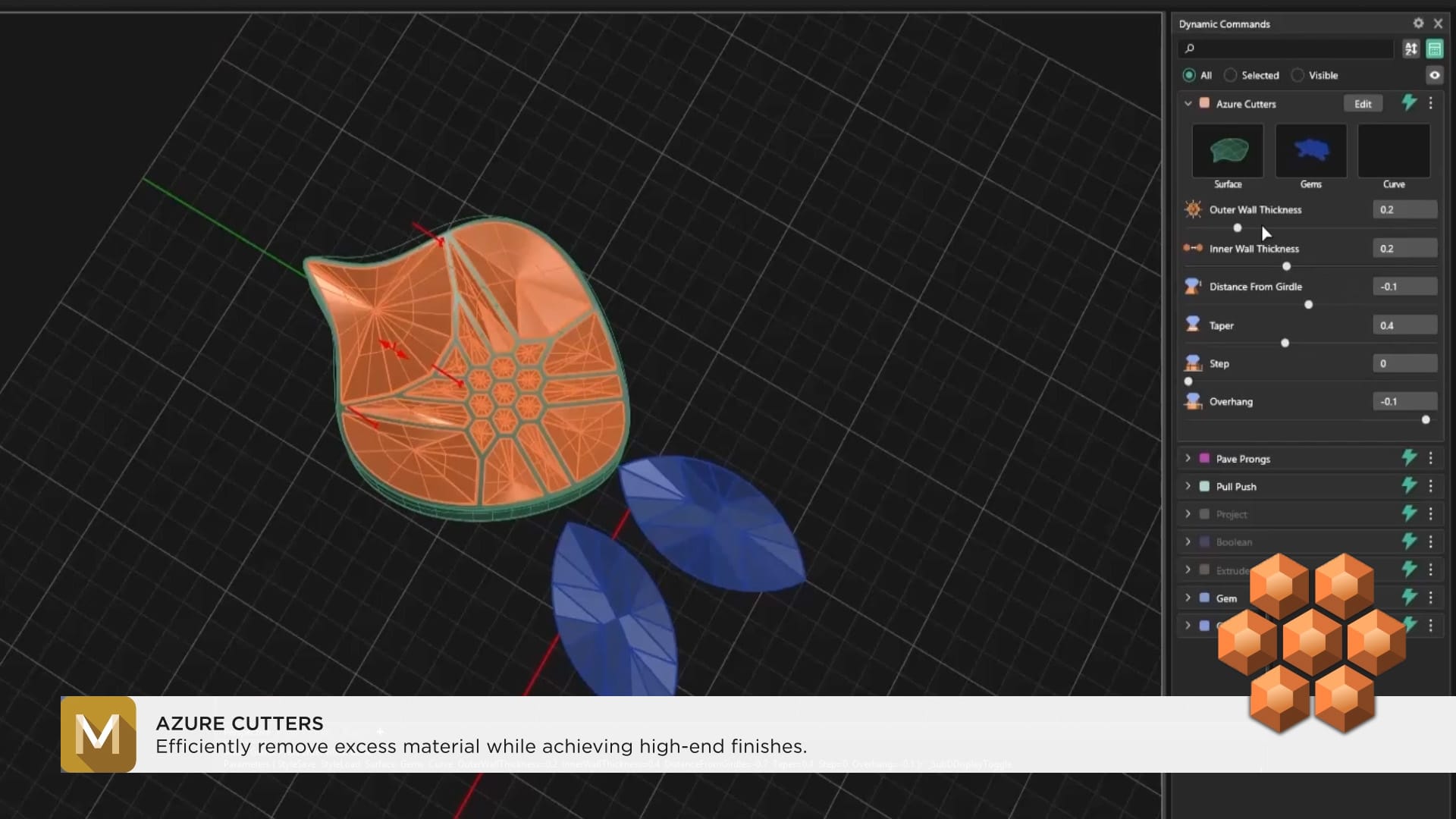
Azure Cutters (Honeycomb Cutters)
This tool simplifies the process of creating and modifying Azure patterns—typically intricate surface designs. These cutters:
- Help sculpt complex surface or mesh geometries.
- Allow flexible editing, like adding/removing points, merging shapes, and adjusting curvature.
- They are integrated into a streamlined workflow so designers can easily execute and continue modifying their models after initial creation.
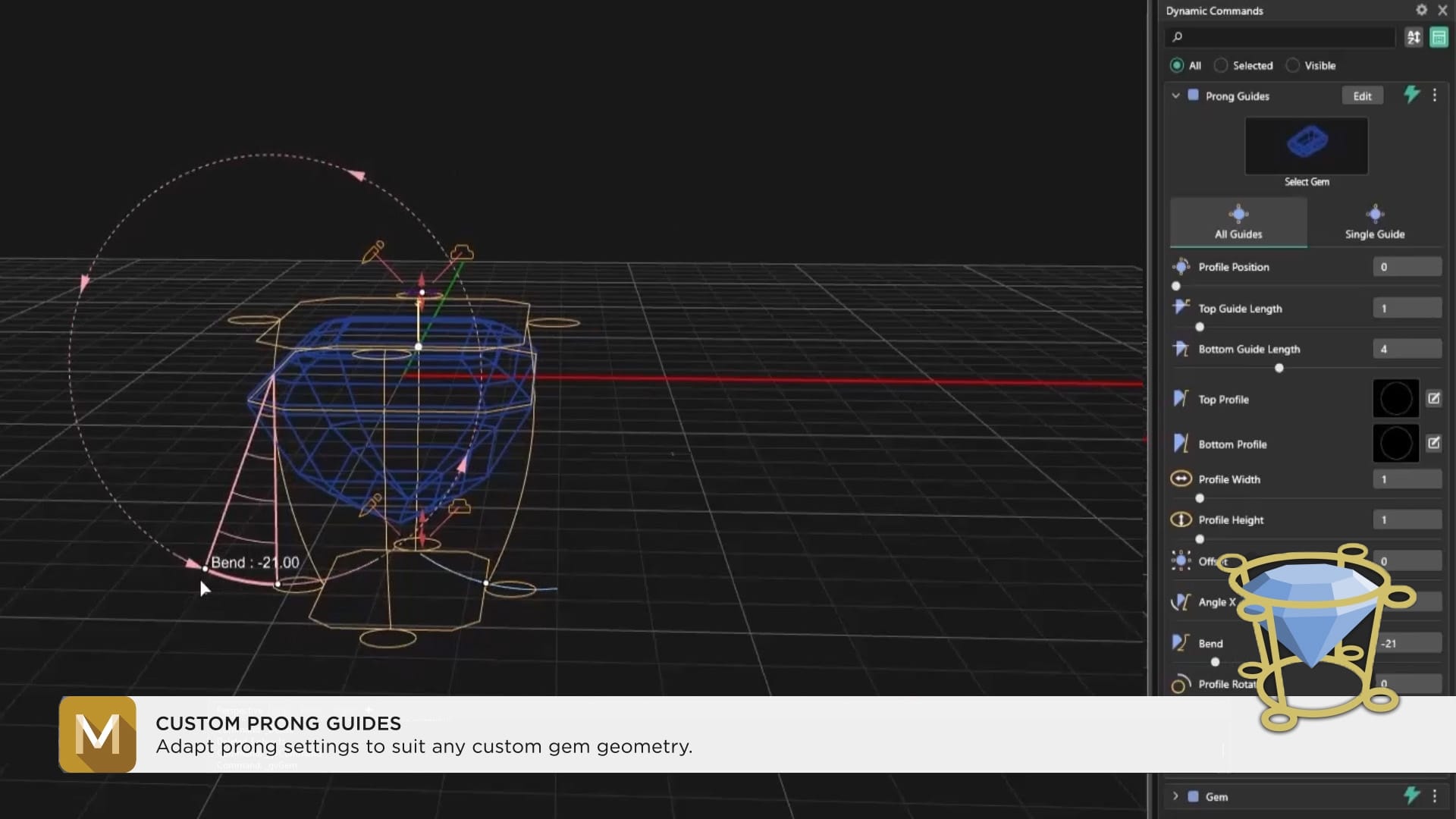
Prong Guide Tool
The new Prong Guides tool enhances gemstone modeling by allowing users to place and customize prongs anywhere on scanned gems. This feature supports precise control over individual and grouped prongs, including adjustments to height, width, offset, and bending. Designed in response to user feedback, the tool streamlines workflows for both standard and irregular gem shapes.
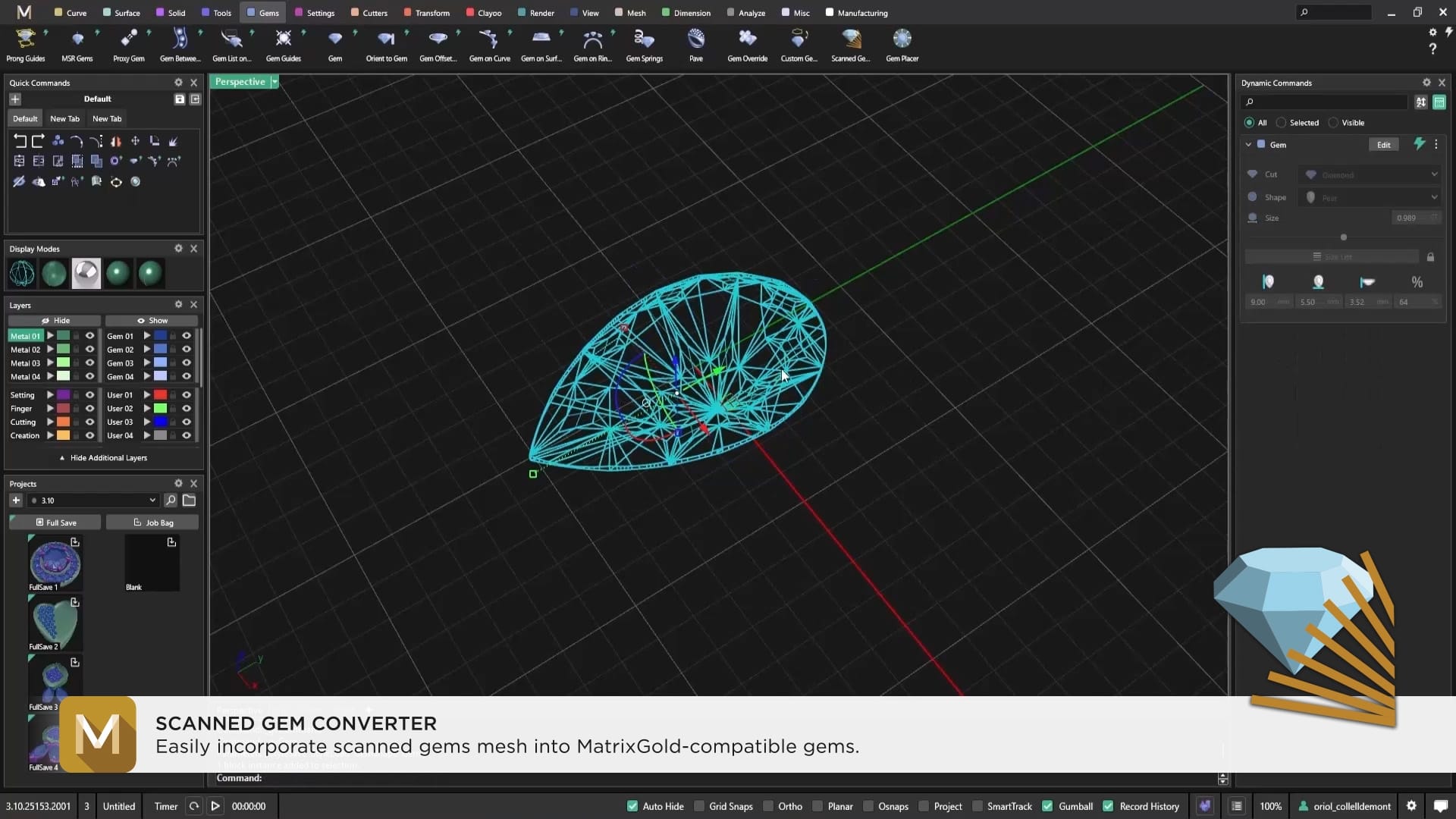
Scanned Gem
Convert scanned gemstone meshes into editable templates by aligning them with preset shapes. This process makes the gems compatible with design tools such as bezels, streamlining their use within the modeling workflow.
With this tool, you can:
- Match a scanned mesh to a standard gem shape, allowing design tools to recognize and apply settings accurately.
- Align the gem using intersection planes for precise positioning.
- Ensure full compatibility with modeling operations such as bezel creation.
Interface and Workflow Enhancements
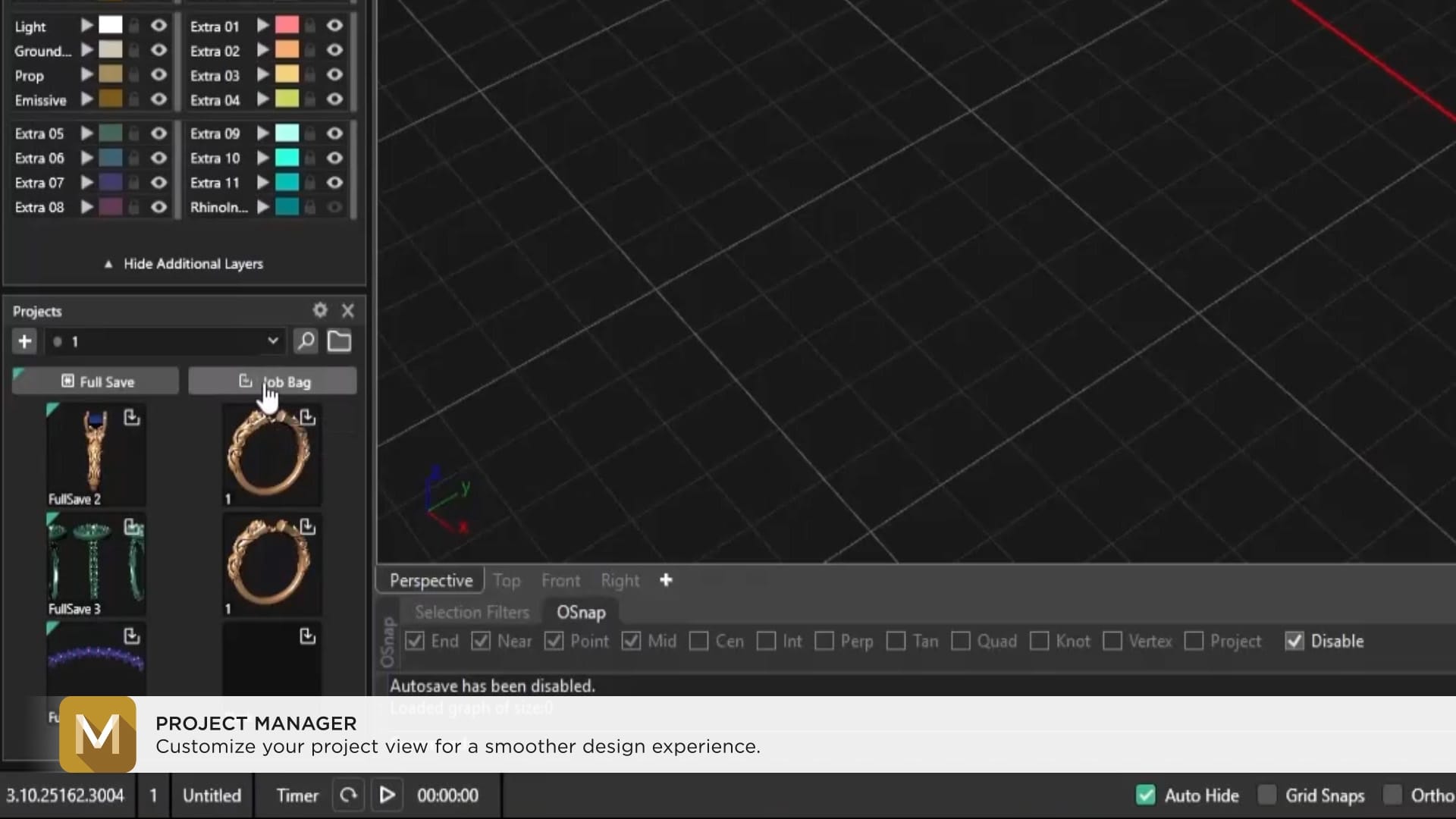
Project Manager Upgrades
- Search functionality is now included in the Project Panel.
- Users can switch between vertical and horizontal layout views for better project organization.
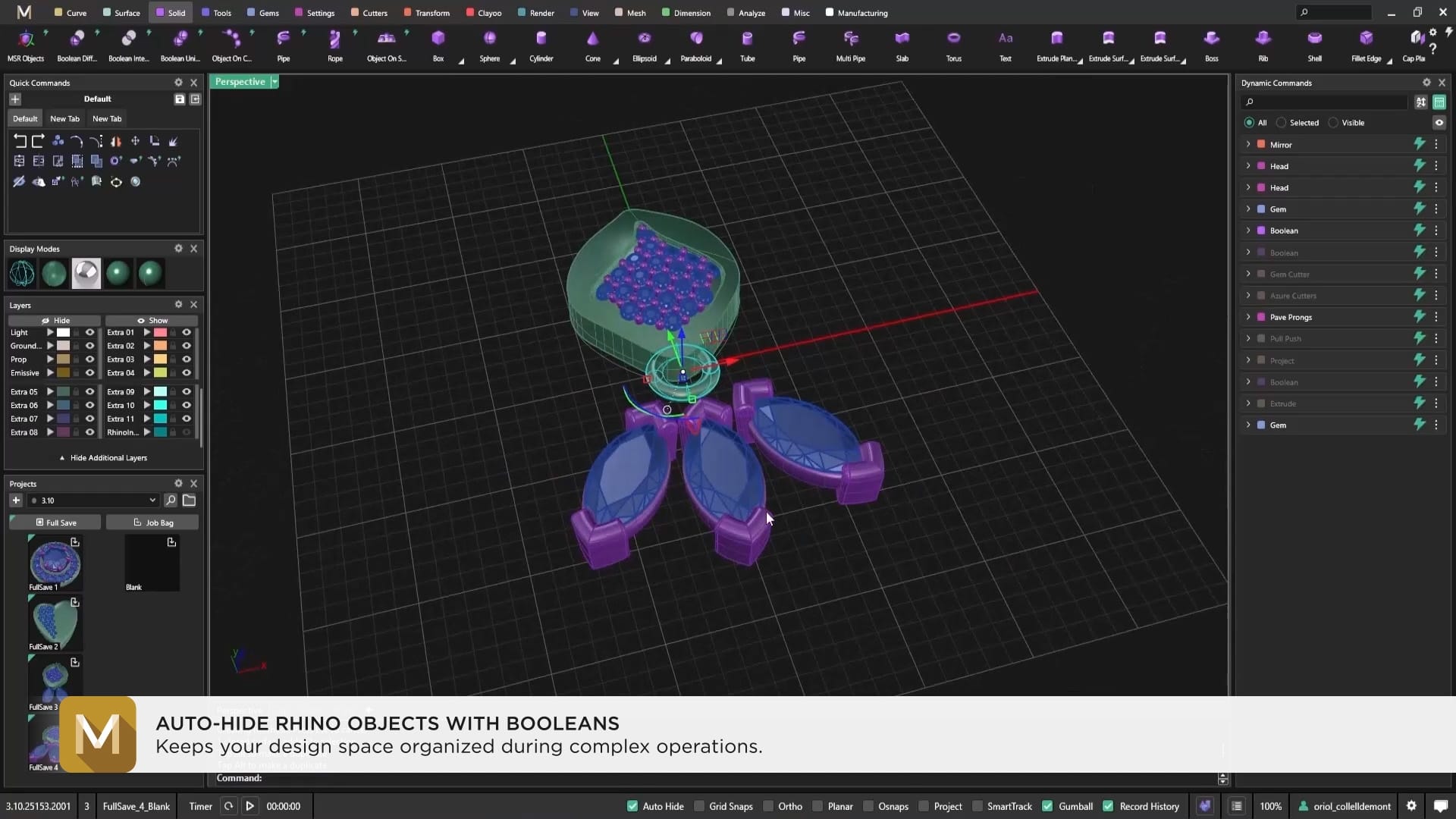
Auto-Hide for Rhino Objects
Rhino-created geometry used in MatrixGold commands now follows the same Auto-Hide rules. These objects are moved to a dedicated hidden layer, which can be toggled for visibility when needed.
Updated Style Sheets and Hotkeys
- Style Sheets have been refactored to improve compatibility and reduce versioning issues.
- Hold Left-Shift when launching a command to reapply the last-used settings, saving time and ensuring consistency.
Wire Mode for Head Command
This new mode allows designers to generate only curves and cap surfaces from the Head builder. It's useful when advanced manual adjustments are needed, offering greater flexibility in custom design.
General Improvements
Smarter Bezel Sizing: Default bezel sizes now better match gemstone profiles.
Improved Dynamic Command Behavior: UI no longer shifts unexpectedly during command input.
Performance Enhancements: Geometry updates, such as Texture 3D, now occur only upon mouse release, improving responsiveness.
Multilingual Support: Added translations for German, Italian, Japanese, Polish, and Russian.
Explore the latest features and enhancements in MatrixGold 3.10.