MatrixGold 4: New Tools, Smarter Workflows, and Faster Jewelry Design
Discover everything new in MatrixGold 4, including workflow-driven tools, offline capability, production validation features, and advanced jewelry CAD improvements built for Rhino 8.
Discover everything new in MatrixGold 4, including workflow-driven tools, offline capability, production validation features, and advanced jewelry CAD improvements built for Rhino 8.
Jewelry design software is no longer just about creating geometry. Modern workflows require faster iteration, material awareness, production validation, and tools that support how designers actually work day to day.
MatrixGold 4 introduces a workflow-driven approach to jewelry design, connecting design, validation, customization, and production preparation into one seamless experience.
Built for Rhino 8, this version adds new tools and improvements to help jewelers:
- Work faster
- Reduce repetitive tasks
- Optimize material usage
- Move to production with greater confidence
What’s New in MatrixGold 4 and Why It Matters
Scoop Tool — Reduce Metal Weight While Maintaining Structure
The Scoop tool allows designers to hollow models while maintaining consistent wall thickness, reducing the need for manual cavity creation.
Why It Matters
- Reduce precious metal usage
- Create lighter designs
- Improve weight distribution
- Accelerate production prep
- Simplify hollowing workflows
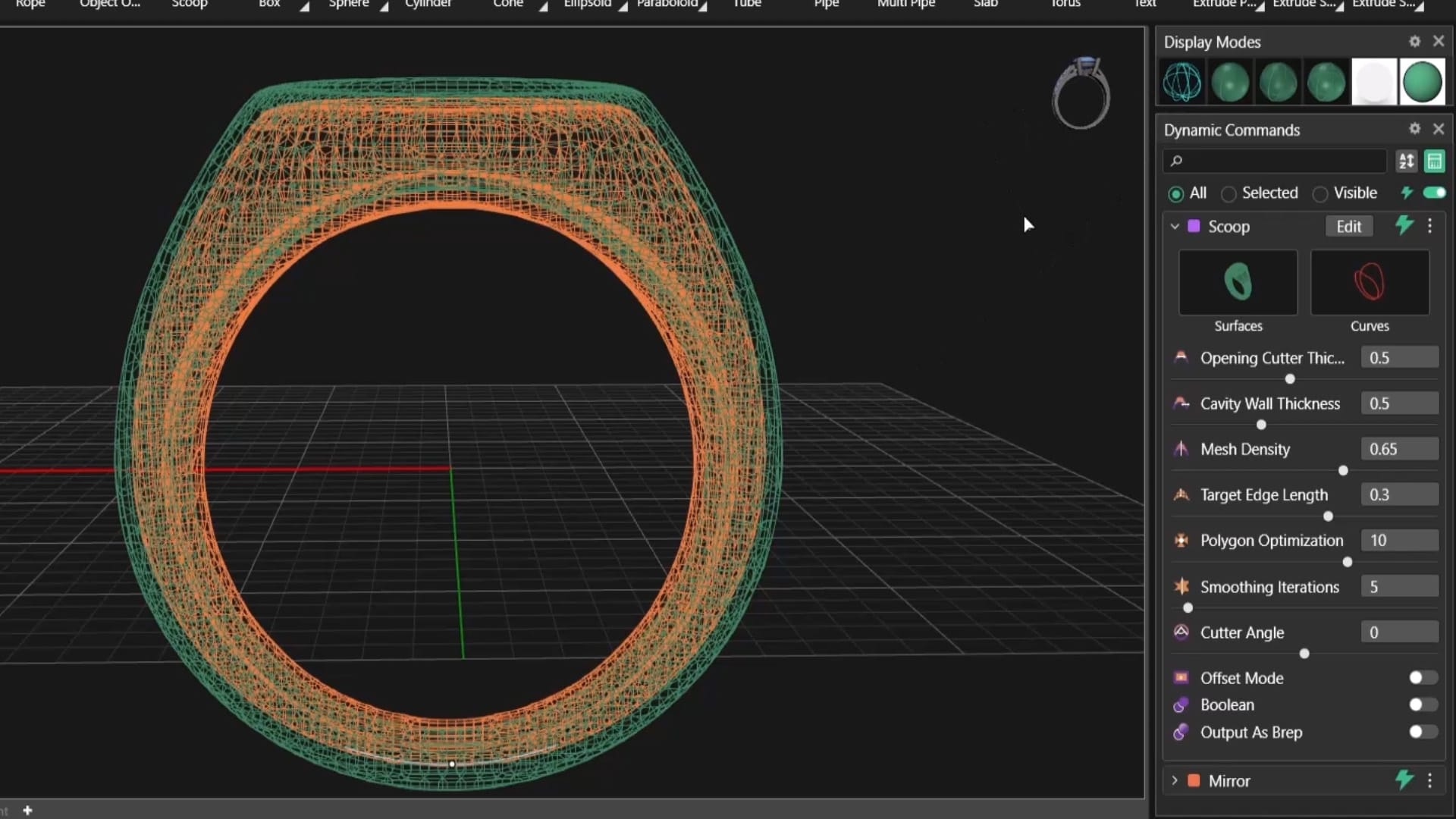
Offline Mode — Design Without Interruptions
MatrixGold 4 supports offline use for up to 12 hours after authentication, offering flexibility in low or no connectivity environments.
Why It Matters
- Keep working during outages
- Stay productive while traveling
- Enable remote design workflows
- Prevent connectivity-related delays
- Improve scheduling flexibility
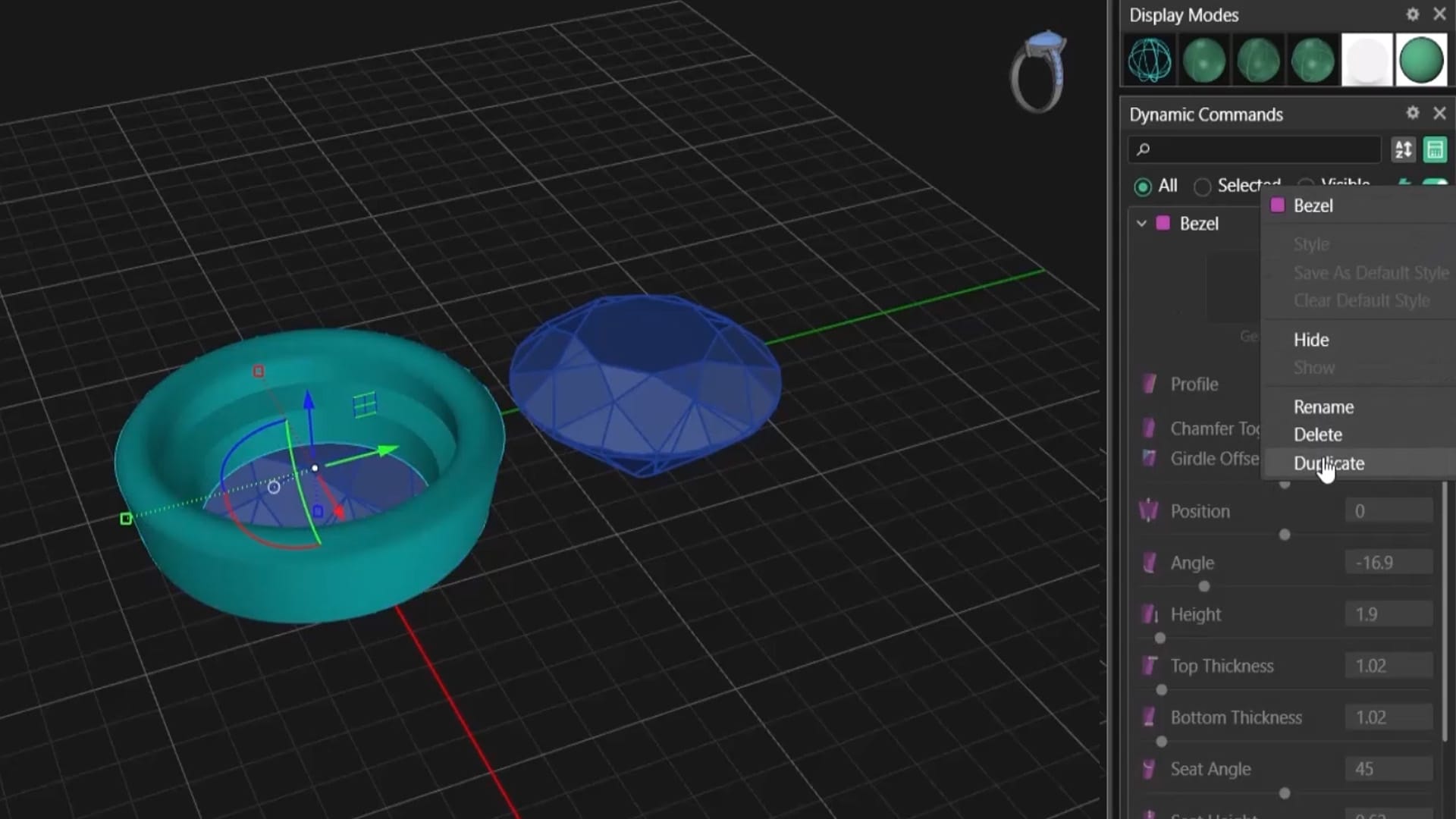
Duplicate Functionality — Faster Parametric Iteration
Duplicate parametric builders while preserving dimensions, settings, and history to quickly create variations.
Why It Matters
- Speed up iteration
- Reduce repetitive setup
- Create variations efficiently
- Improve consistency
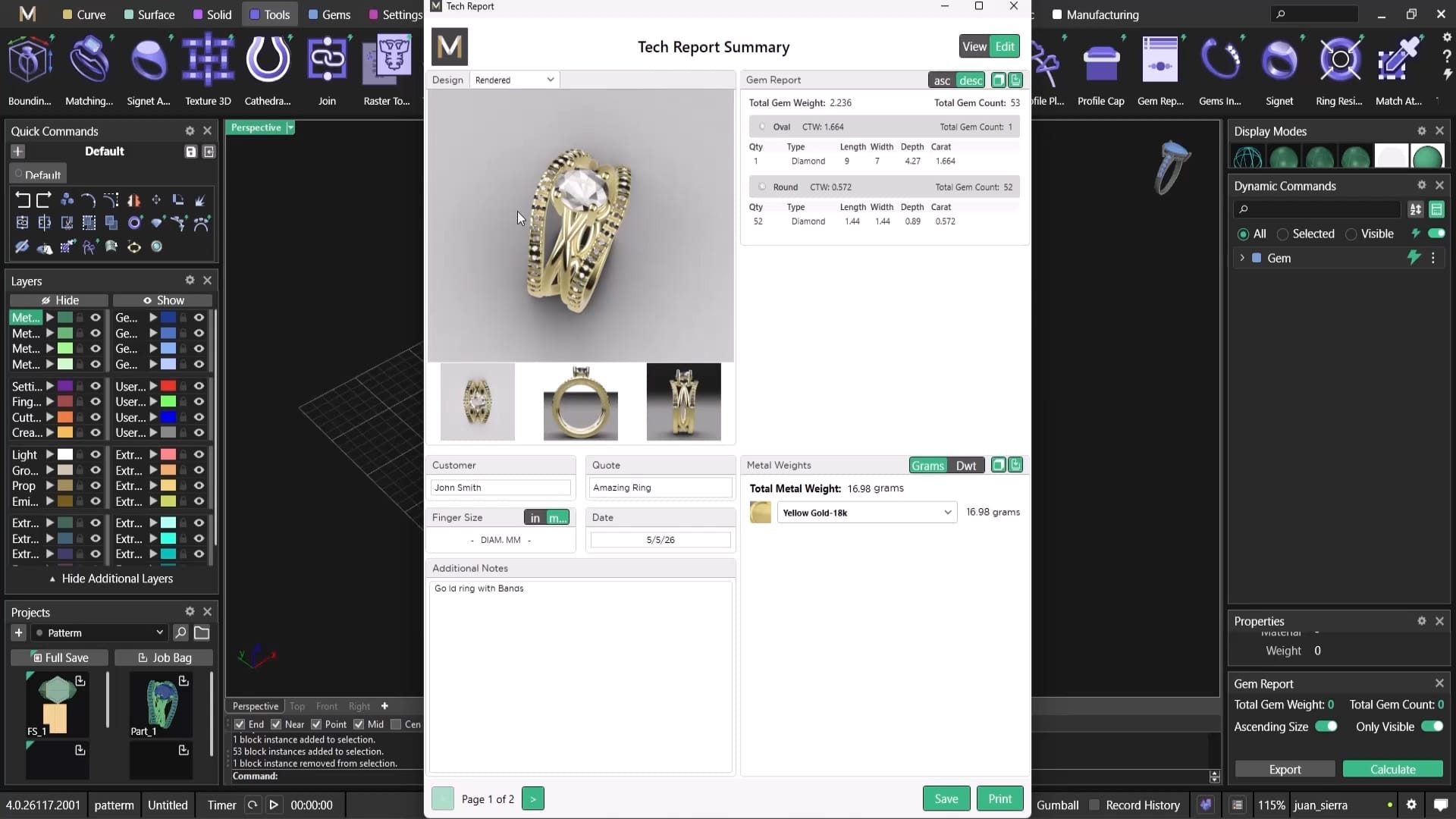
Enhanced Tech Report — Better Communication
A redesigned report layout improves clarity and understanding of technical information.
Why It Matters
- Improve production accuracy
- Reduce miscommunication
- Accelerate approvals
- Simplify reviews
- Support better decisions
- Reduce delays
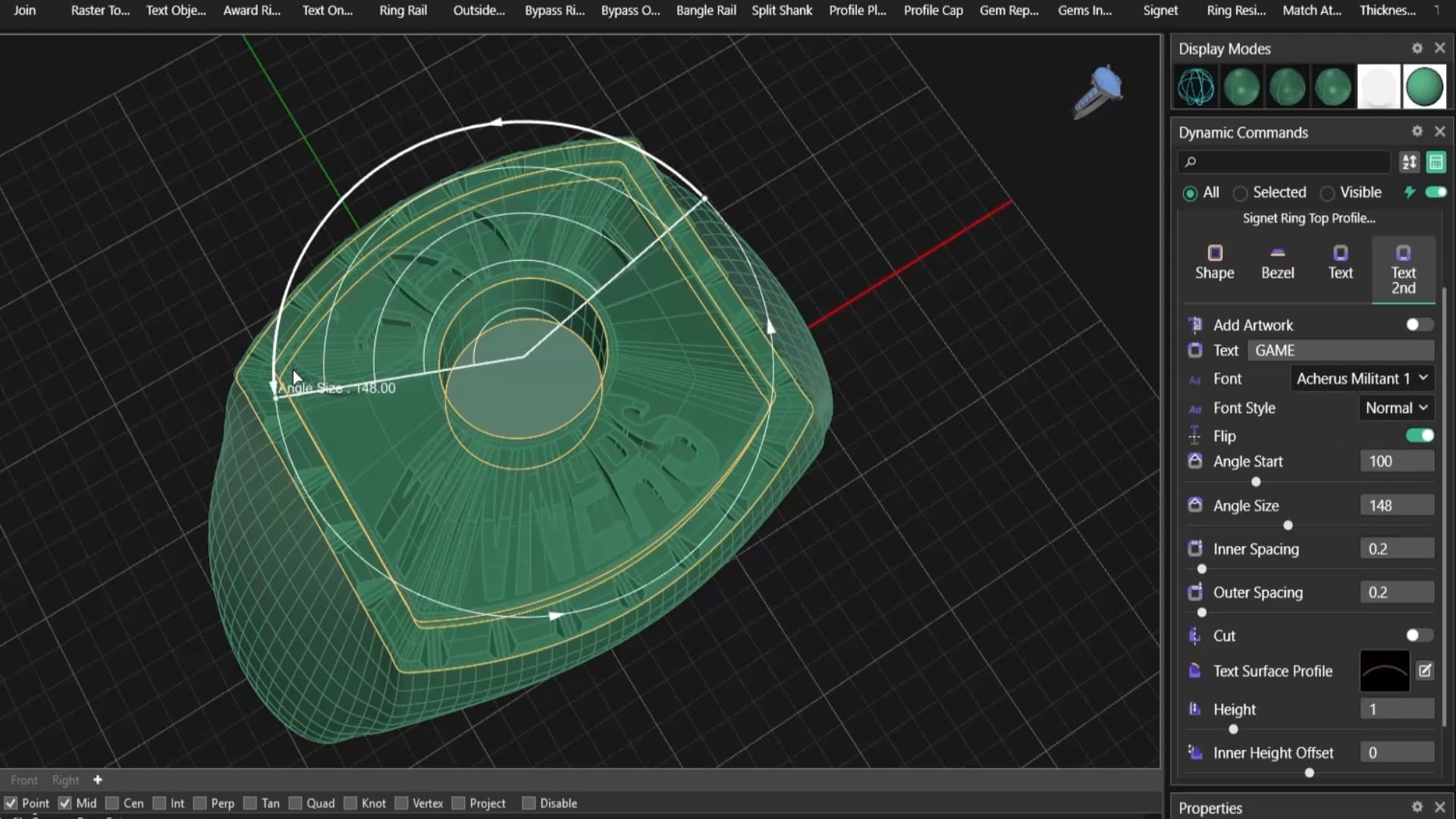
Award Ring Tool — Streamline Custom Ring Design
Place text and elements directly onto curved surfaces with precision.
Why It Matters
- Simplify detailing
- Improve placement accuracy
- Reduce manual adjustments
- Accelerate personalization
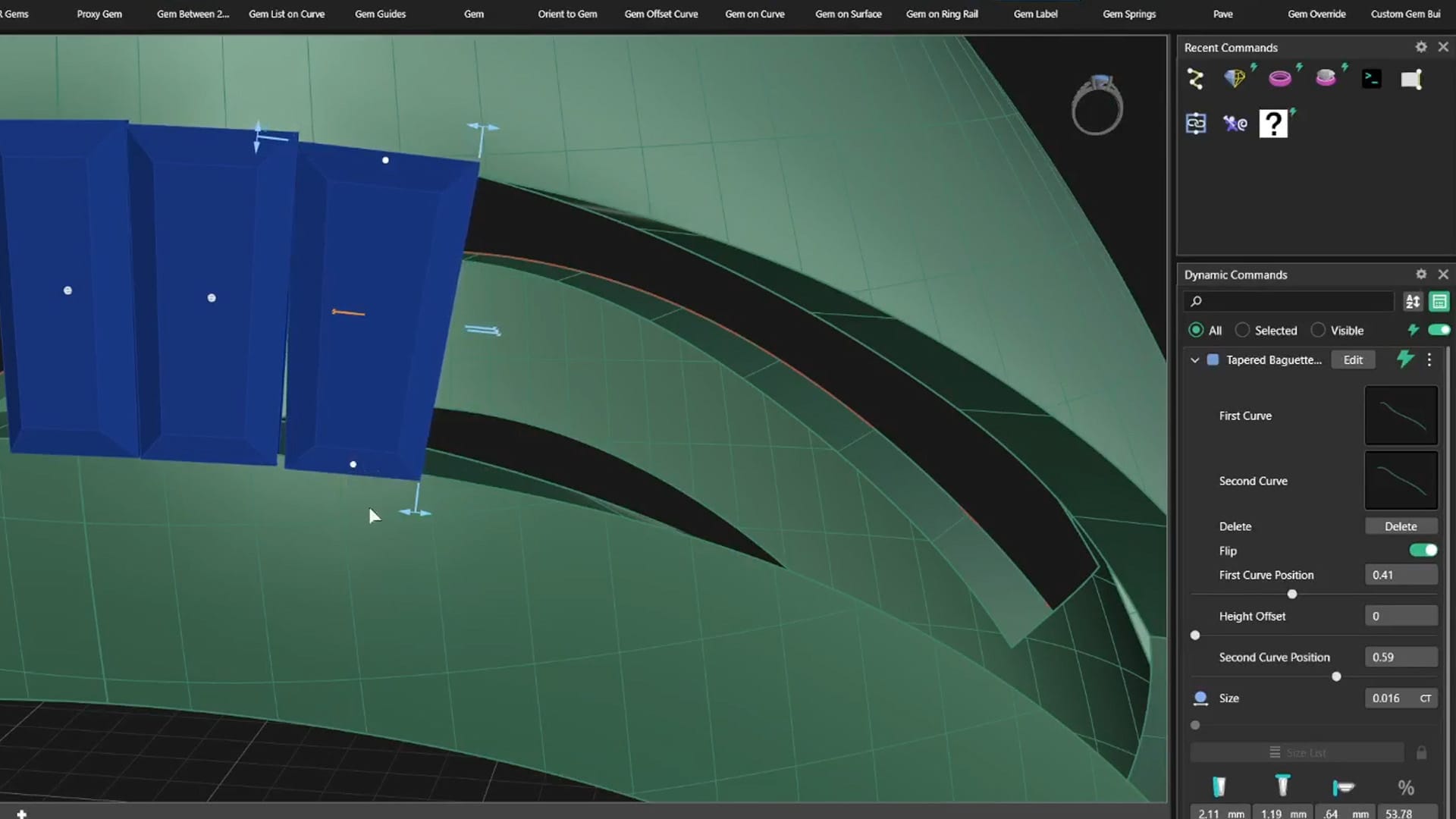
Tapered Baguettes Between Two Curves
A dedicated workflow ensures precise spacing and alignment in complex layouts.
Why It Matters
- Improve stone placement
- Reduce manual work
- Create cleaner layouts
- Speed up workflows
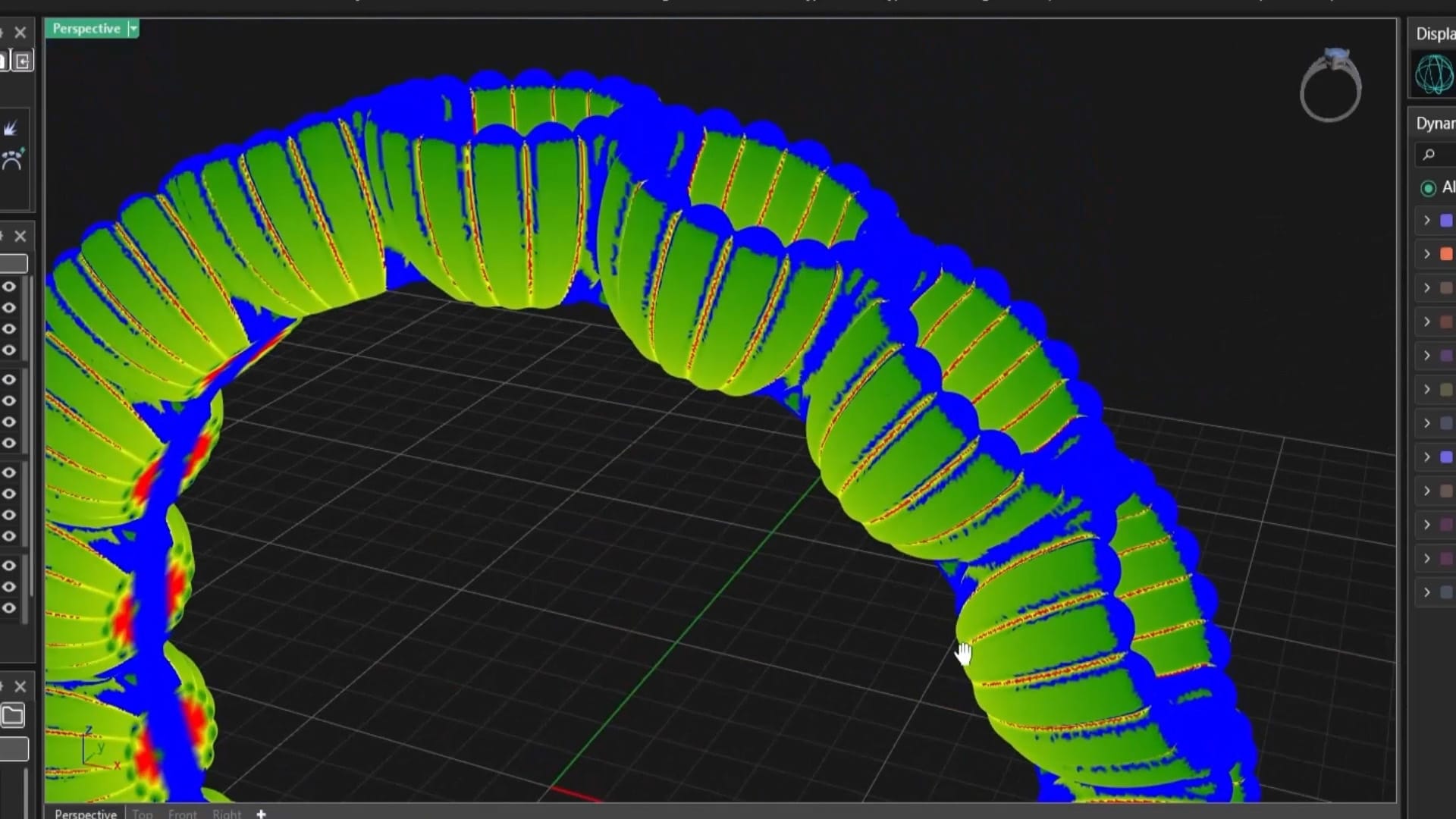
Thickness Analysis — Validate During Design
Measure surface thickness in real time by clicking any point on the model.
Why It Matters
- Detect thin areas early
- Improve reliability
- Reduce production risks
- Ensure production-ready designs
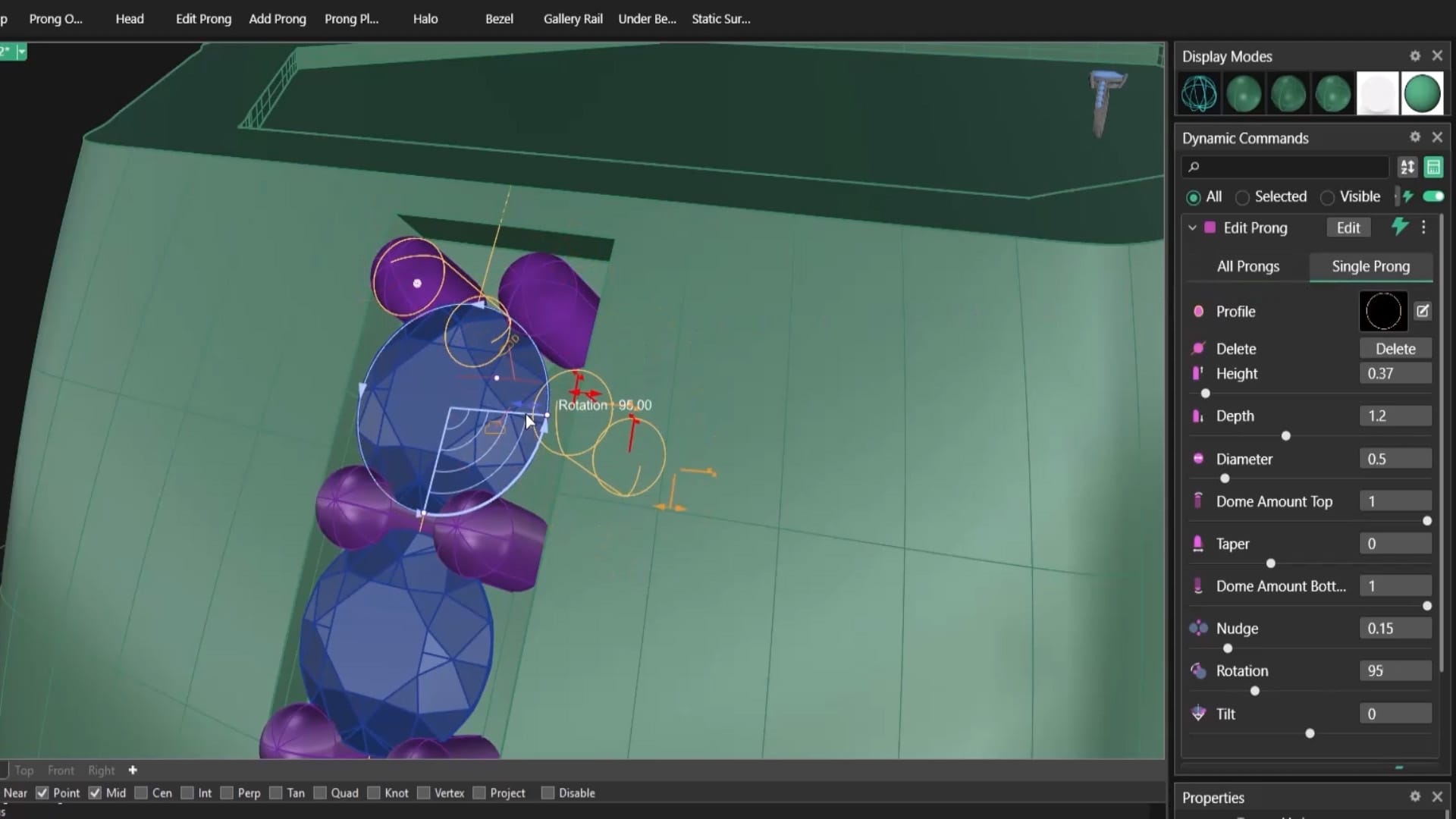
Multi-Prong Edit — Simultaneous Adjustments
Edit multiple prongs at once for consistent stone settings.
Why It Matters
- Speed up adjustments
- Improve consistency
- Simplify pavé workflows
- Reduce repetitive edits
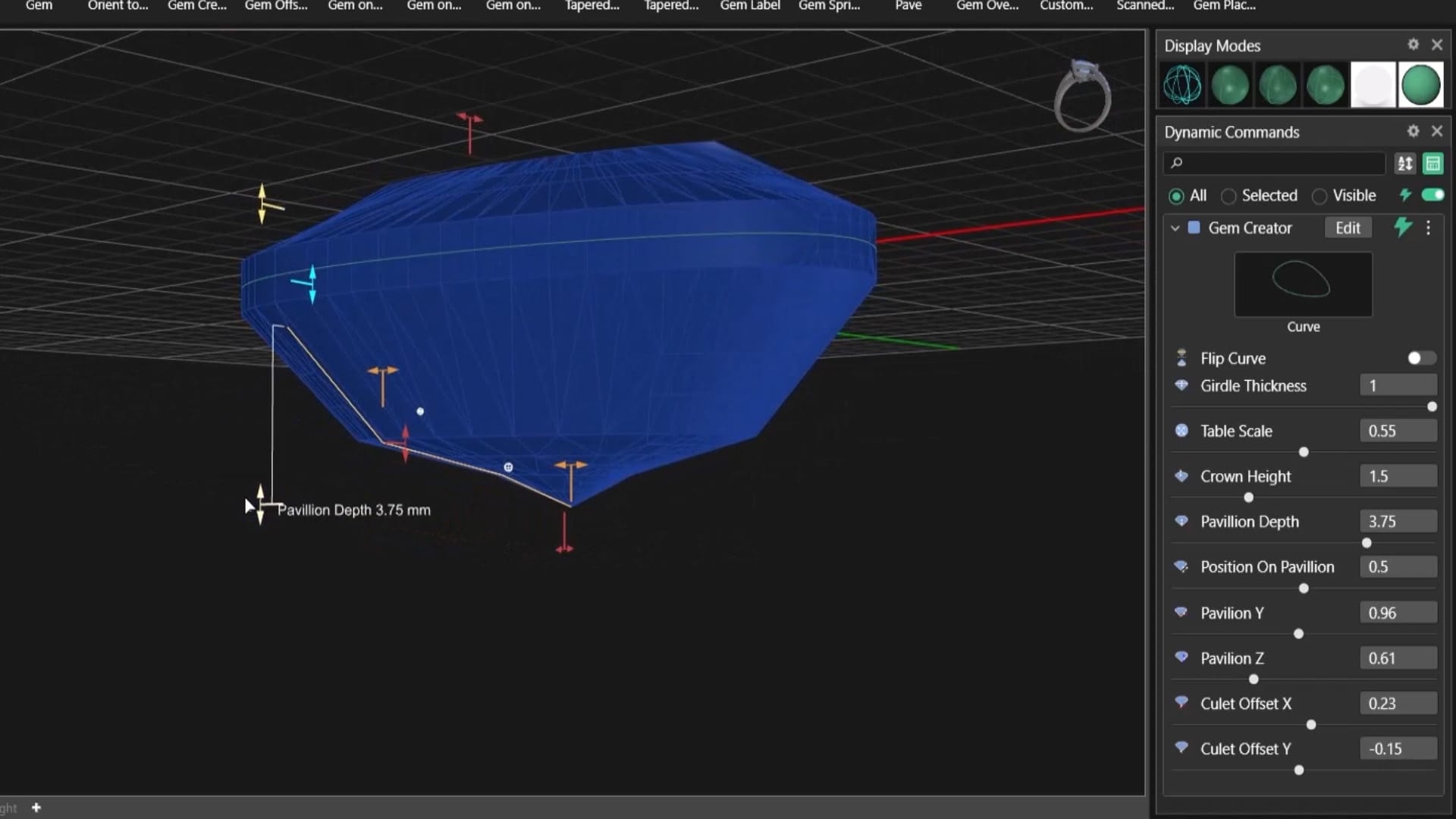
Gem Creator — Fully Custom Gemstones
Create parametric gemstones with editable history from table to culet.
Why It Matters
- Design unique cuts
- Maintain editability
- Improve flexibility
- Support custom workflows
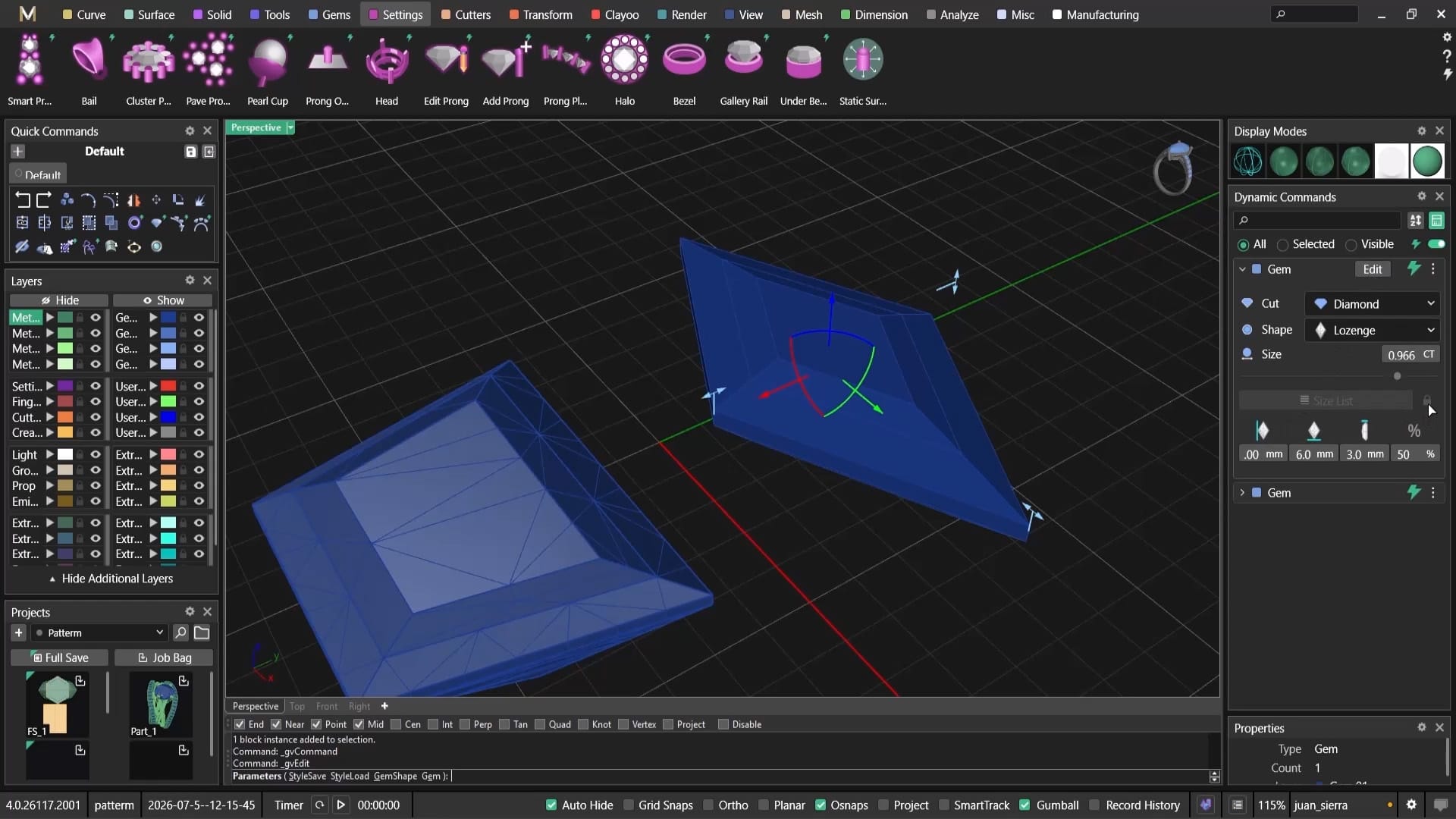
New Gem Shapes — Expanded Possibilities
New gemstone cuts:
- Hexagon
- Trapezoid
- Lozenge
Why It Matters
- Expand design options
- Support trends
- Create distinctive collections
- Enhance layouts
Additional MatrixGold 4 Tools and Improvements
Curve on Object
Apply curves directly to surfaces for engraving and layouts.
Radial Cage Edit
Edit localized ring areas without affecting the entire model.
Bangle Rail
Create parametric bangles with editable dimensions.
Profile Placer Global Control
Adjust multiple profiles along a curve simultaneously.
Improved 3D Texture Images
Enhanced texture library with better quality and consistency.
Request Your Free MatrixGold Demo
See how MatrixGold 4 fits your workflow. A specialist will show tools tailored to your business.